
-
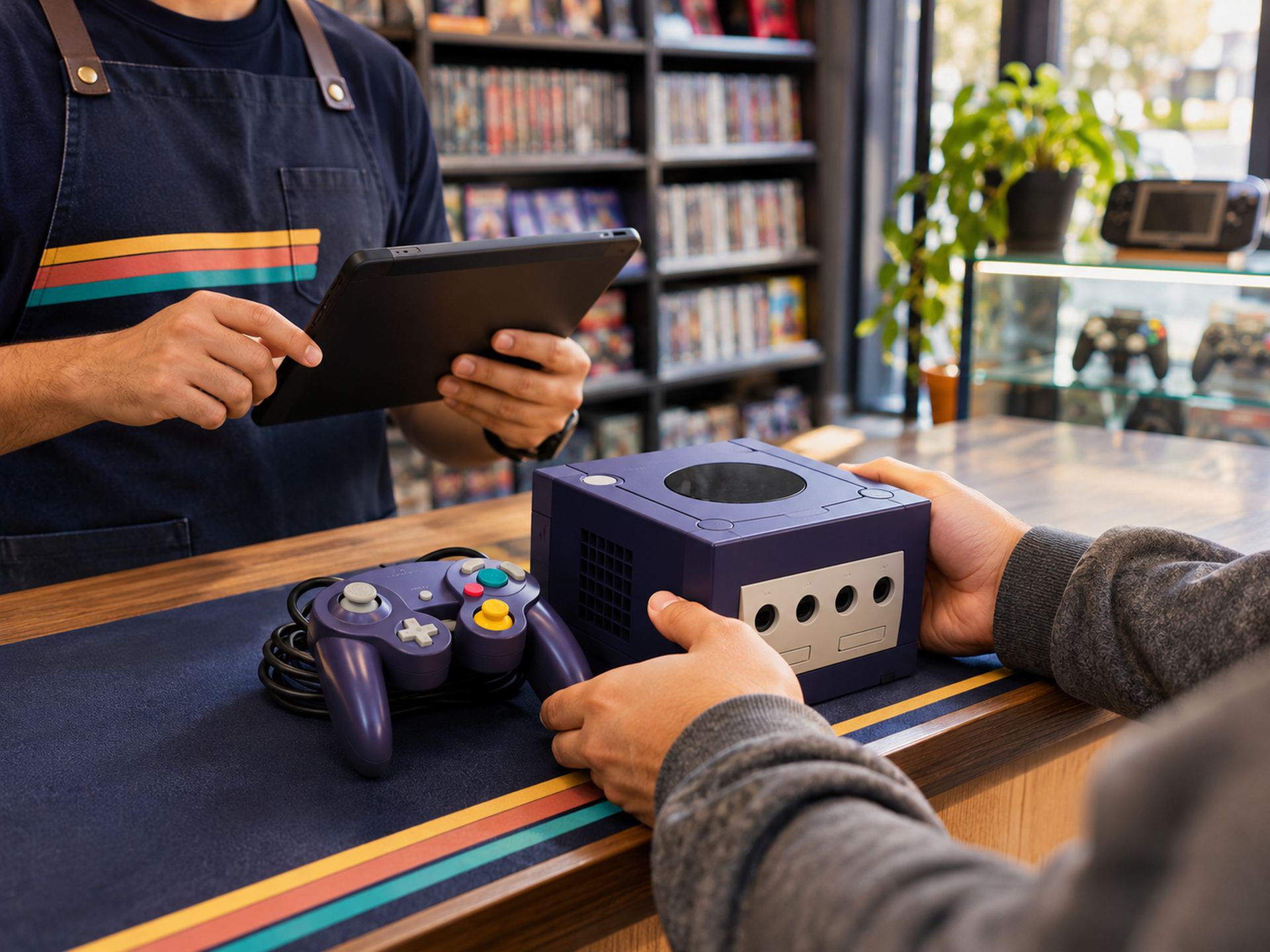
Buy it at the counter.
A customer trades in an Indigo GameCube. You log the seller, the model and what you paid.
Paid (store credit) −$45.00
-
Grade it honestly.
It powers on, but the laser skips. Graded and serialized on the spot.
-
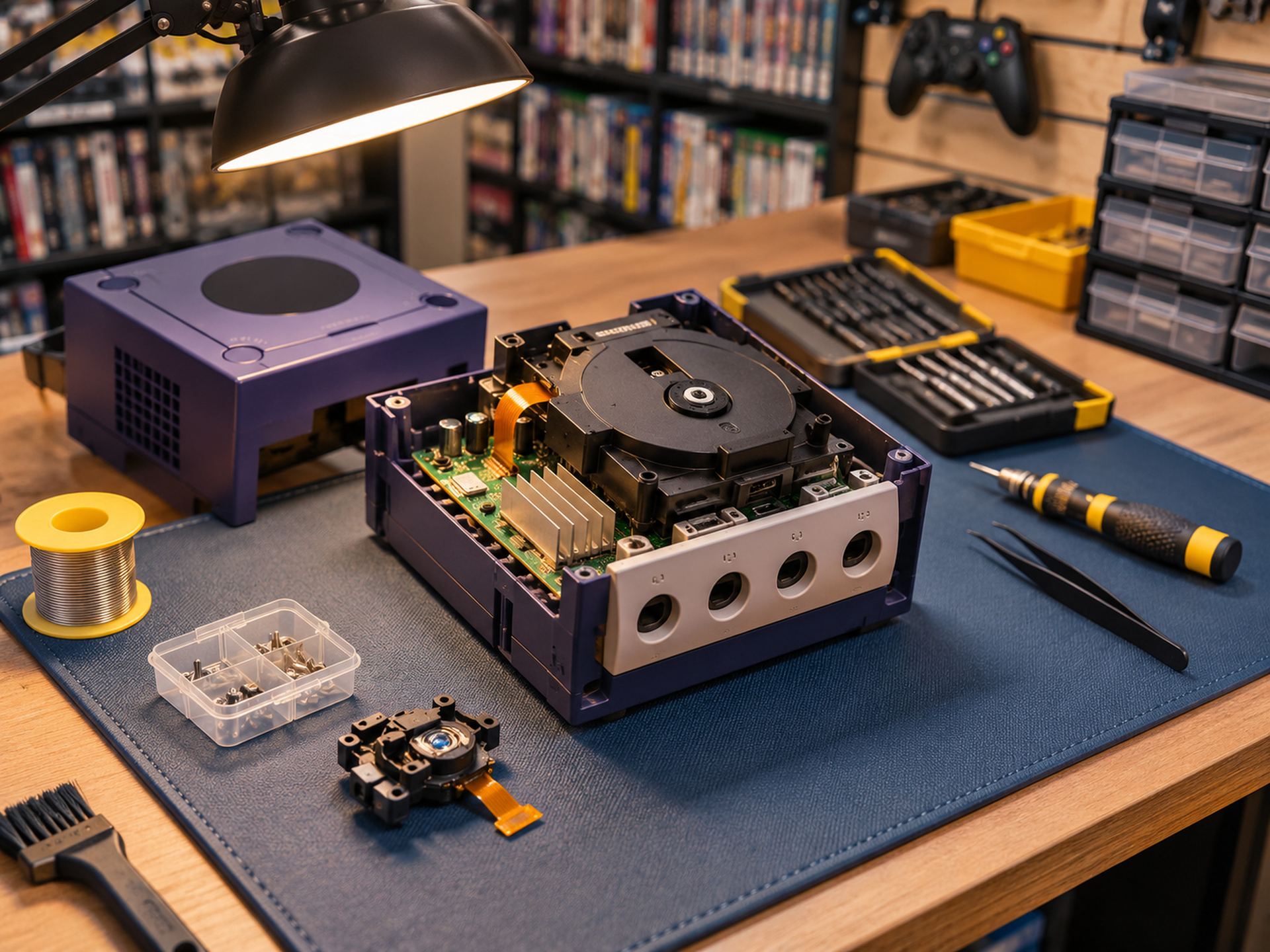
Fix it, and count the cost.
A new laser and 30 minutes of labor — recorded on this unit.
Laser + labor −$22.00
-
Price it and put it out.
Priced at $139 and listed in store and online from one record.
-
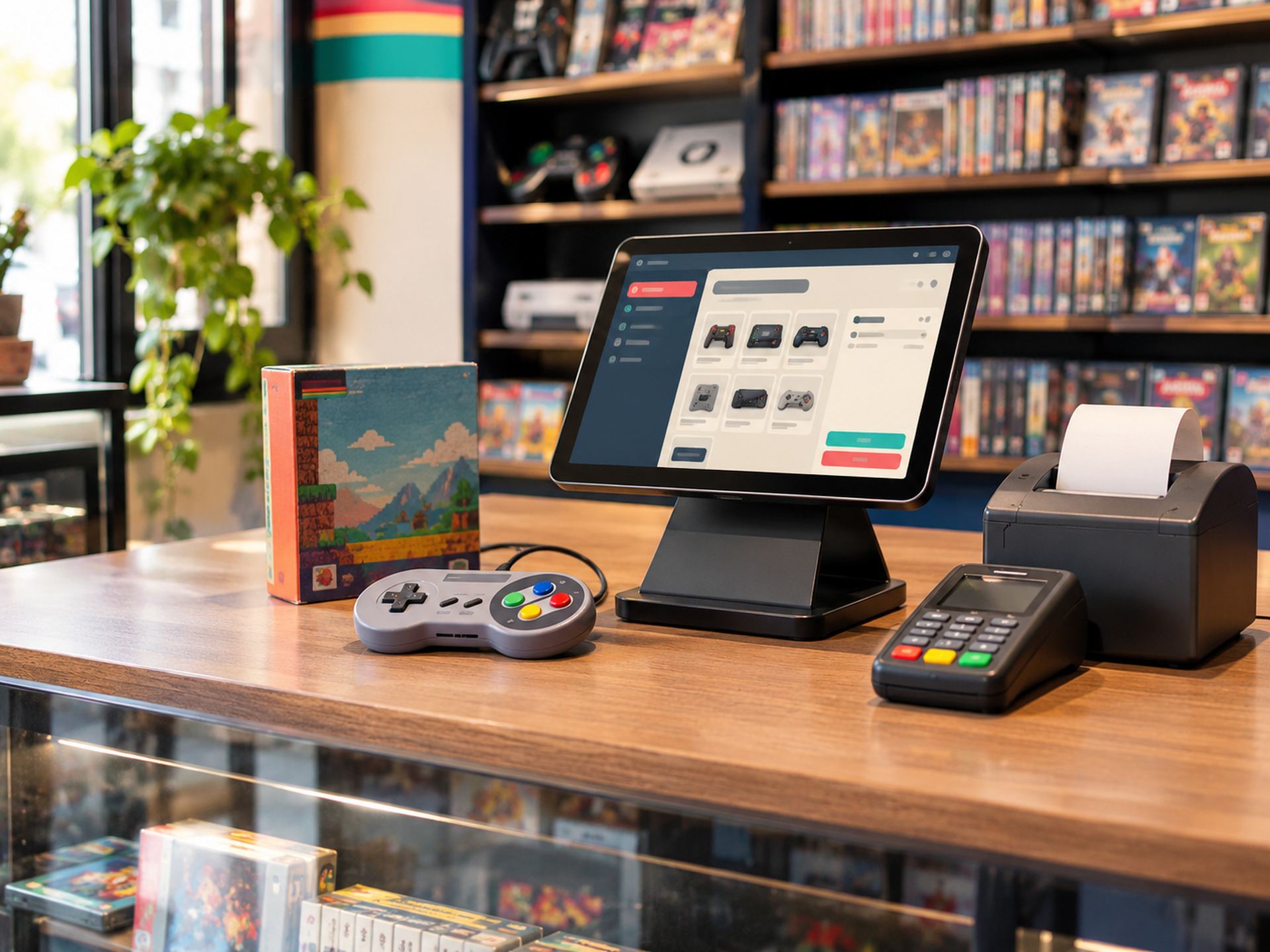
Sell it in 9 days.
A collector buys it at the register. It leaves inventory everywhere at once.
Sold +$139.00
-
Know what you made.
$72 profit, 52% margin, 9 days on the shelf — and a better offer next time.
The Operating System for Game Stores
Your game store. Under control.
Business management software for video game stores. Buy, trade, repair and sell — all in one powerful platform.
- Buy & trade
- Repair
- Track every unit
- Sell
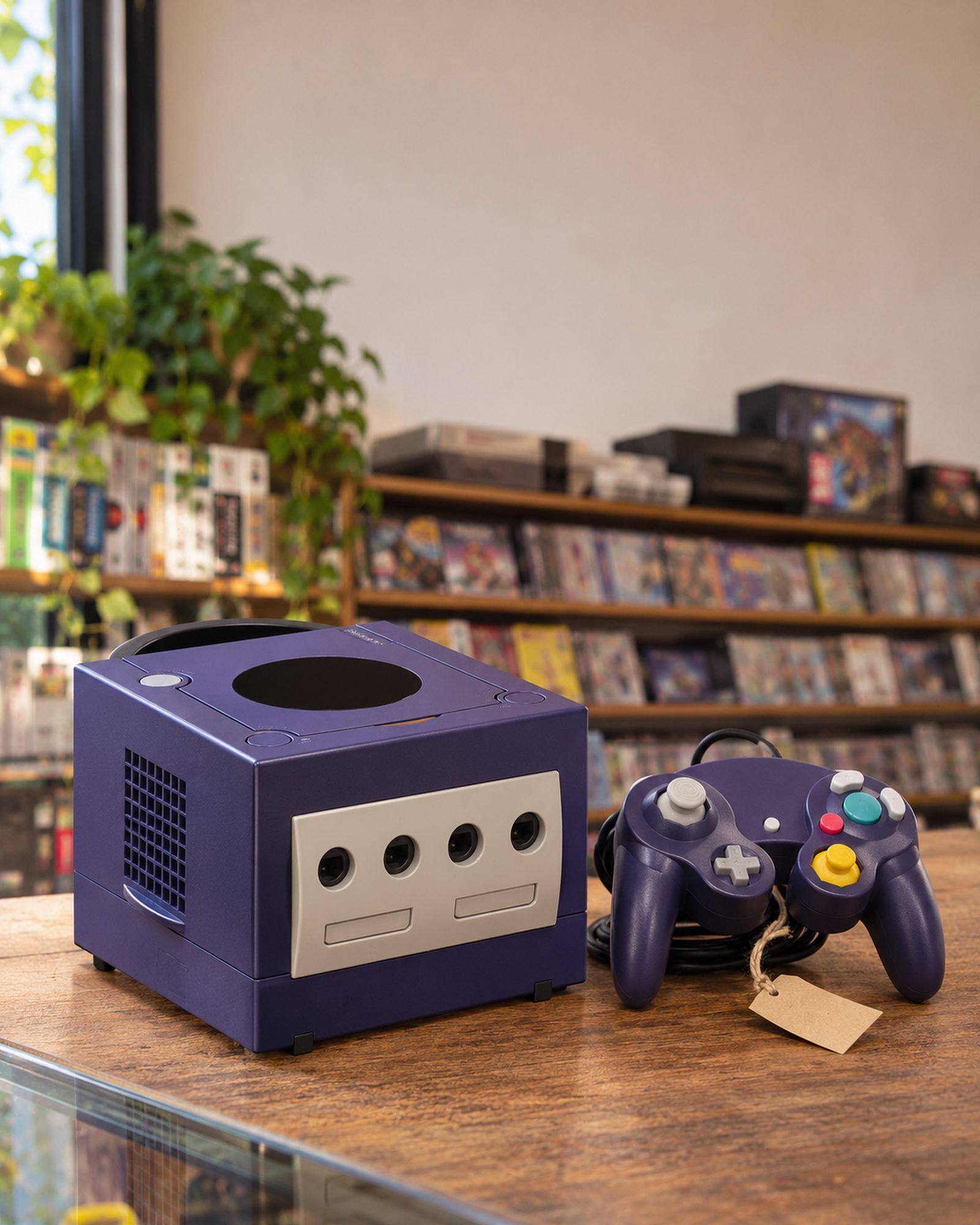
Nintendo GameCube Indigo · Grade B+ · tested
- Acquired
- Trade-in · $45.00
- Repair
- Laser + labor · $22.00
- Sold
- $139.00
Gross profit$72
Margin52%
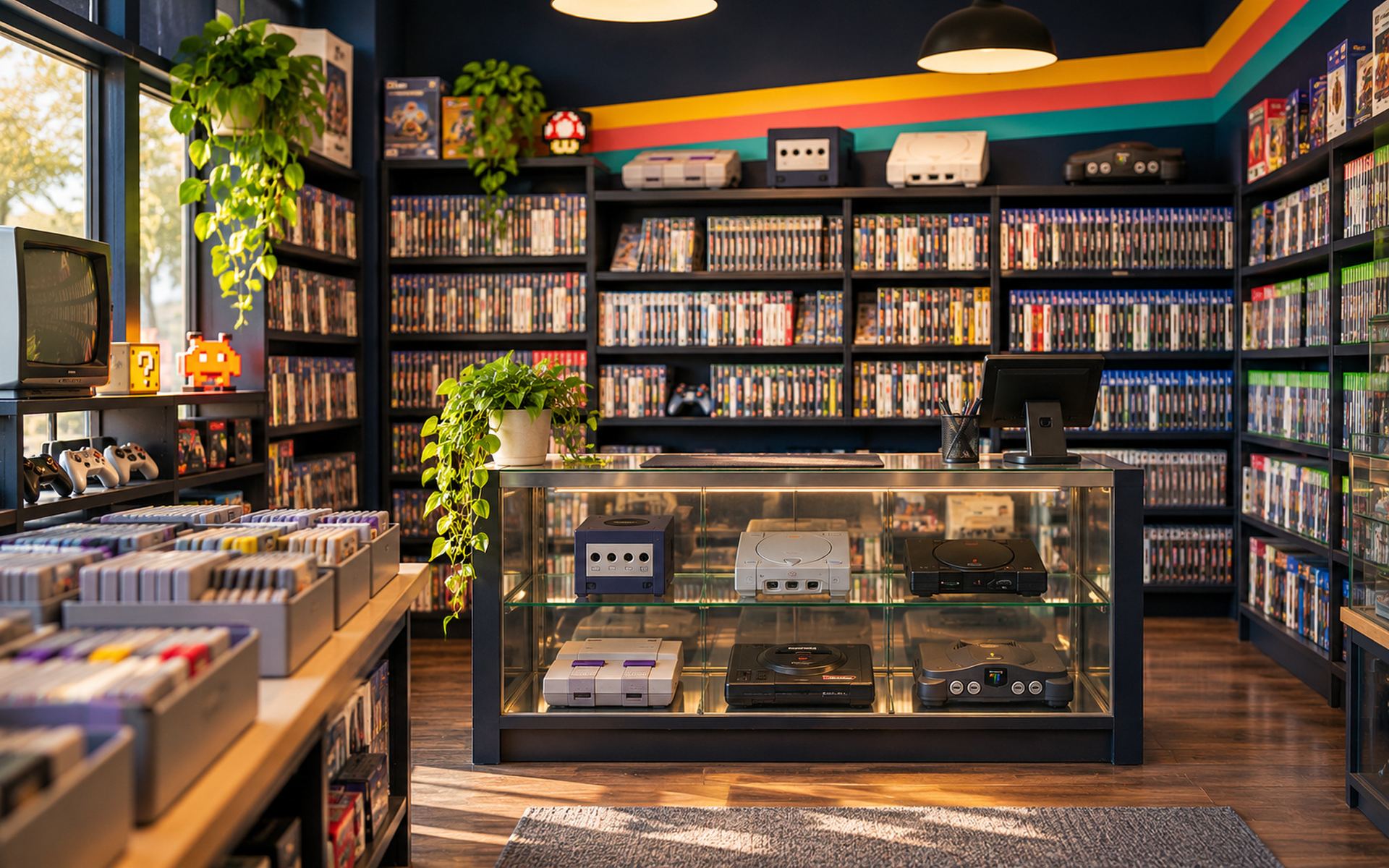
Not another generic POS
Your store’s day doesn’t start at the register.
You buy from customers, grade condition, fix hardware and resell one-of-a-kind units. A regular POS only sees the last step. RetroGameOps keeps the whole story — so it can answer the questions you actually ask.
- What did we pay for this console?
- Who sold it to us?
- What repairs went into it?
- How long has it been on the shelf?
- What will we actually make on it?
- Cash or credit for the next one?
Acquire → Evaluate → Repair → List → Sell → Analyze
One GameCube. From trade-in to profit.
Follow a single used console through your store — and see exactly what it earned.
The platform
Seven modules. One inventory.
They share the same units, customers and numbers. Each one shows where it stands today — no surprises after the demo.
- Available
- Beta
- In development
- Planned
Available
GamePOS
A point of sale built for consoles, games and accessories.
Learn more In development
Trade Center
Buy, trade and take in used gear — with every cost on record.
Learn more In development
GameVault
Inventory that knows the difference between a product and a unit.
Learn more Beta
Repair Lab
Repair tickets for customer devices and your own stock.
Learn more Planned
Price Radar
Market pricing to buy smart and sell right.
Learn more Available
Online Store
Sell your shelf online from the same inventory.
Learn more Available
GameStats
See what actually makes your store money.
Learn more
Who it’s for
Retro roots. Every generation on the shelf.
From an Atari 2600 to the latest consoles — built for the shops that keep games in play.
Is RetroGameOps only for retro games?
No. The brand celebrates retro gaming, but the platform is for stores that sell anything from an Atari 2600 to a PlayStation 5 — consoles, physical games, accessories, parts and collectibles.
Which gaming platforms are supported?
Any. Platforms are categories you control, so Nintendo, Sega, Sony, Microsoft, Atari, NEO GEO, handhelds or PC hardware all work the same way.
Does it handle trade-ins and store credit?
Trade Center — buying from customers, condition grading, cash vs. store-credit offers and acquisition cost per unit — is in development and is the heart of the product. Early-access stores help shape it. Store credit at the register is also on the way.
Can I track each used console individually?
That is what GameVault is for: individual units with serial number, condition, cost, acquisition date and time on shelf. It is in development; today the platform tracks inventory per product.
Press start
See it with your own store in mind.
A 30-minute walkthrough built around how you buy, fix and sell. No slides about synergy — just your counter, your back room and your shelf.